
Give your model an interface.
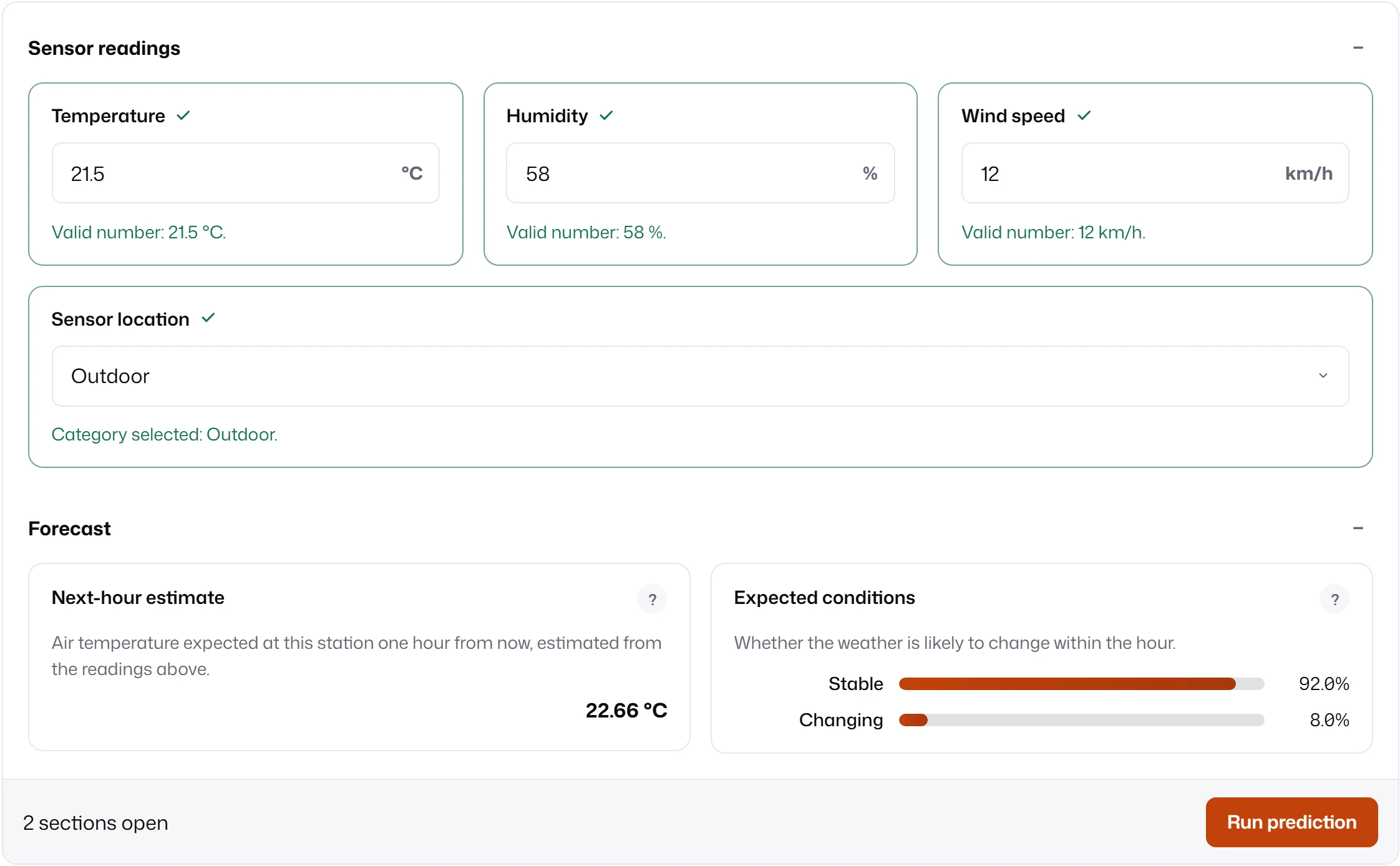
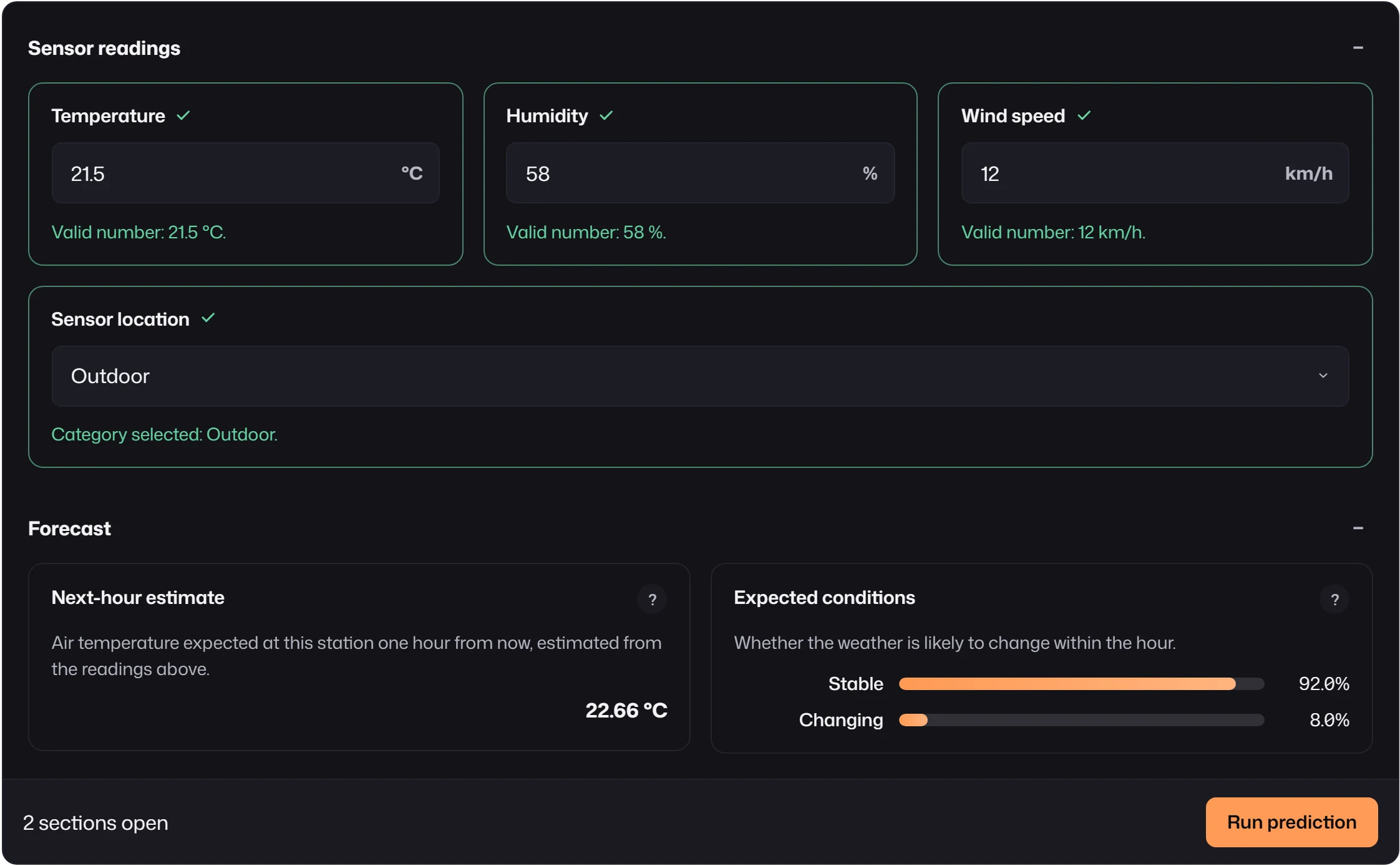
Describe the inputs a model needs and the reports it returns. MLForm validates the inputs, sends the values your backend expects, and renders the results, with or without its built-in UI.
import { mountForm } from "mlform";
mountForm(document.querySelector<HTMLElement>("#forecast")!, {  schema: {    fields: [      { id: "temperature", kind: "number", label: "Temperature", mappedTo: "temperature" },      { id: "humidity", kind: "number", label: "Humidity", mappedTo: "humidity" },    ],    reports: [      { id: "forecast", kind: "regressor", label: "Next-hour estimate", mappedTo: "forecast" },    ],  },  transport: {    async submit(request) {      const response = await fetch("/api/forecast", {        method: "POST",        headers: { "content-type": "application/json" },        body: JSON.stringify(request.modelValues),        signal: request.signal,      });      if (!response.ok) throw new Error(`Forecast failed: ${response.status}`);      // Expected: { reports: [{ backend: "default", mappedTo: "forecast",      //                         status: "ready", payload: { value: 22.7 } }] }      return response.json();    },  },});
Find your path
Section titled “Find your path”Build a formTwelve field kinds, conditions, validation and four layouts.Connect a backendWhat the transport receives, what it returns, and how results reach each report.Add your own kindsCustom inputs and reports through
defineMLFormPlugin, the same path as built-ins.Render it yourselfUse createFormView for headless layout and navigation in any framework.Match your productThemes, recipes, density, motion and CSS tokens.Look something upPackage surfaces, mountForm, controllers, layout config and events.MLForm is open source under the MIT license and part of eshkra. Install it from npm, try every example in the playground, or read the source on GitHub.