
Reports
A report shows one model output. It declares which output it shows with mappedTo; the transport
returns that output in an envelope with the same mappedTo. Reports are optional, and a schema can
have many.
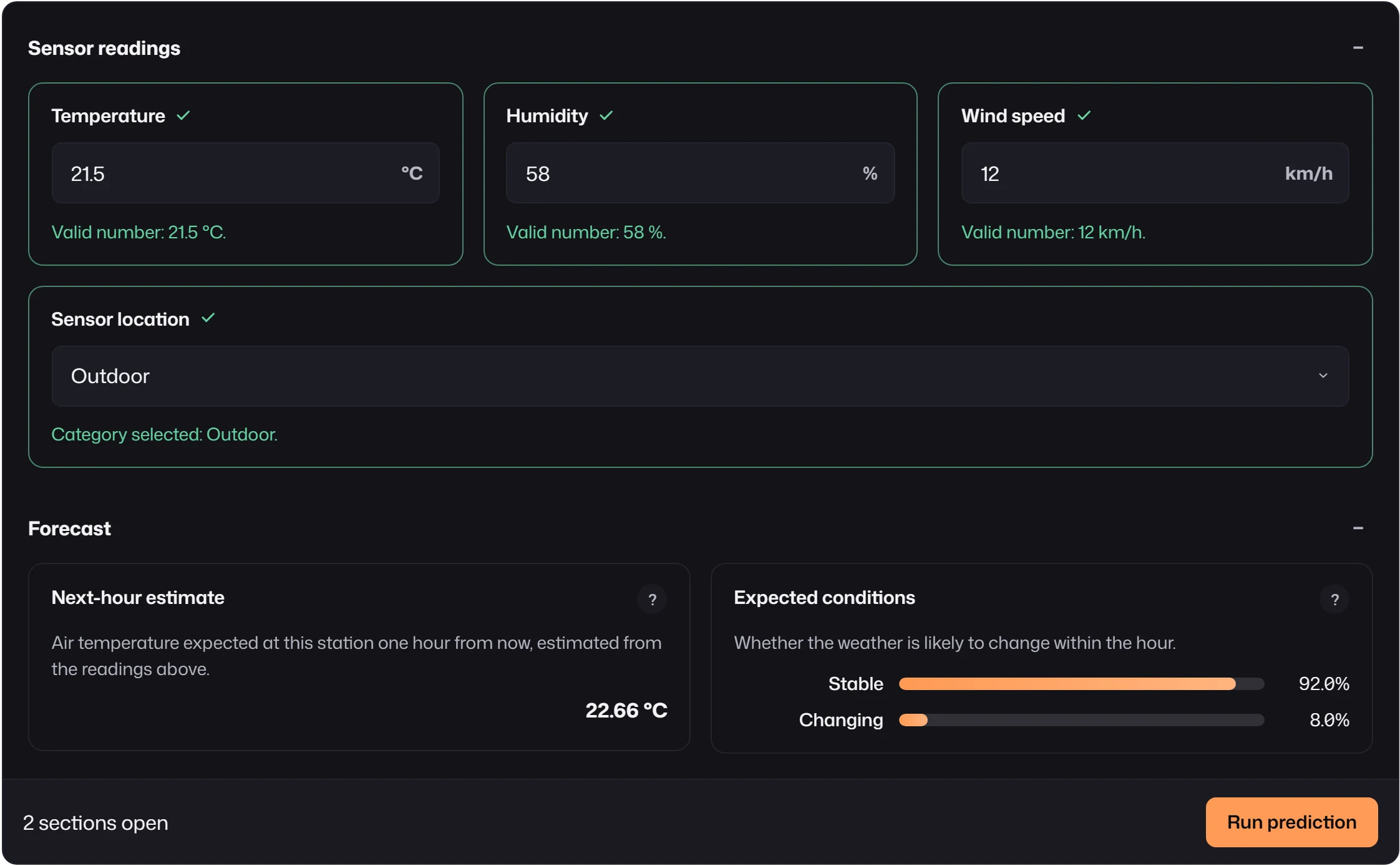
reports: [ { id: "forecast", kind: "regressor", label: "Next-hour estimate", unit: "°C", precision: 1, mappedTo: "forecast" }, { id: "condition", kind: "classifier", label: "Expected conditions", labels: ["Stable", "Changing"], mappedTo: "condition" },]{ "reports": [ { "backend": "default", "mappedTo": "forecast", "status": "ready", "payload": { "value": 22.66 } }, { "backend": "default", "mappedTo": "condition", "status": "ready", "payload": { "prediction": "Stable", "probabilities": [0.92, 0.08] } } ]}Several reports may show the same (backend, mappedTo) output, for example as a number and as a
chart. A report without mappedTo receives nothing from the response; it is only useful for kinds
that fetch their own data.
Classifier
Section titled “Classifier”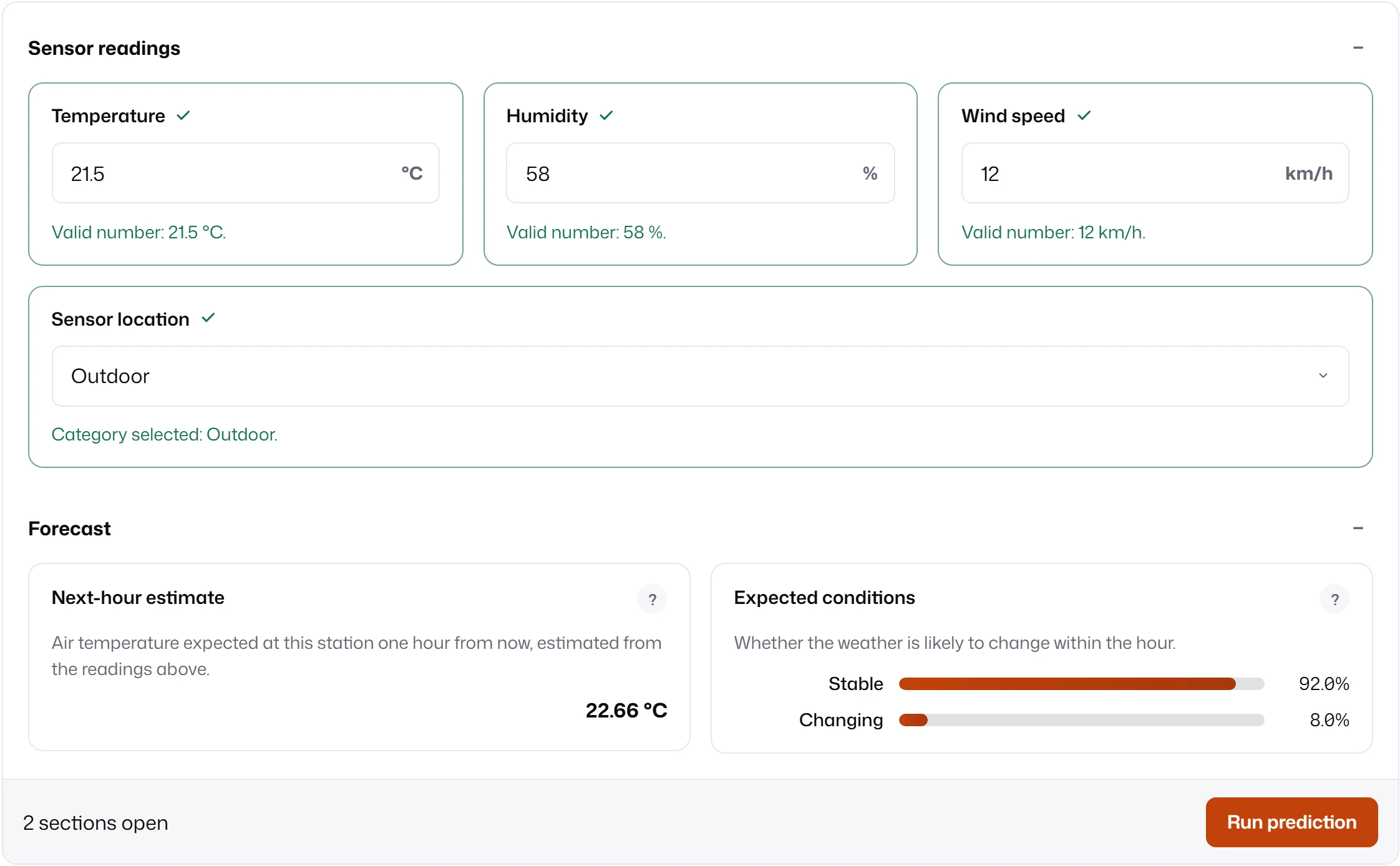
| Option | Default | Meaning |
|---|---|---|
labels |
none | Class names, in the order of probabilities. |
showClassProbabilities |
true |
Show one bar per class instead of only the prediction. |
The payload is an object:
| Payload property | Meaning |
|---|---|
probabilities |
Array of numbers between 0 and 1, one per class. |
prediction |
The predicted class. className and label are read when prediction is absent. |
labels |
Class names, used when the report config has no labels. |
With probabilities and showClassProbabilities, the report draws one bar per class, labelled
from labels or as Class 1, Class 2. Otherwise it shows the prediction as text.
Regressor
Section titled “Regressor”| Option | Default | Meaning |
|---|---|---|
unit |
none | Appended to every value. |
precision |
2 |
Decimal places. |
The payload can be a number, { value }, or { values: [...] } for several estimates. Optional
properties add context:
| Payload property | Meaning |
|---|---|
interval: [low, high] or min, max |
Draws a range bar with the value marked inside it. |
execution_time |
Milliseconds, shown under the value. |
Envelopes and states
Section titled “Envelopes and states”Each report finds its envelope by matching the report’s mappedTo and the submission’s backend
against the envelope’s mappedTo and backend. It never matches by id or label. Two envelopes
for the same pair fail the whole submission, because MLForm cannot know which one is right.
| Status | Reached when |
|---|---|
idle |
Nothing has been submitted, the submission was aborted, or the response had no matching envelope or a pending one. |
loading |
A submission or a report fetch is running. |
ready |
A ready envelope delivered a payload, or a fetch completed. |
skipped |
A skipped envelope said the output does not apply. It is not fetched. |
error |
The submission failed, the kind’s resolver threw, or the payload failed the kind’s payload schema. |
Reports settle independently. In the form below, one report is ready, one was skipped by the backend, and one received no envelope:
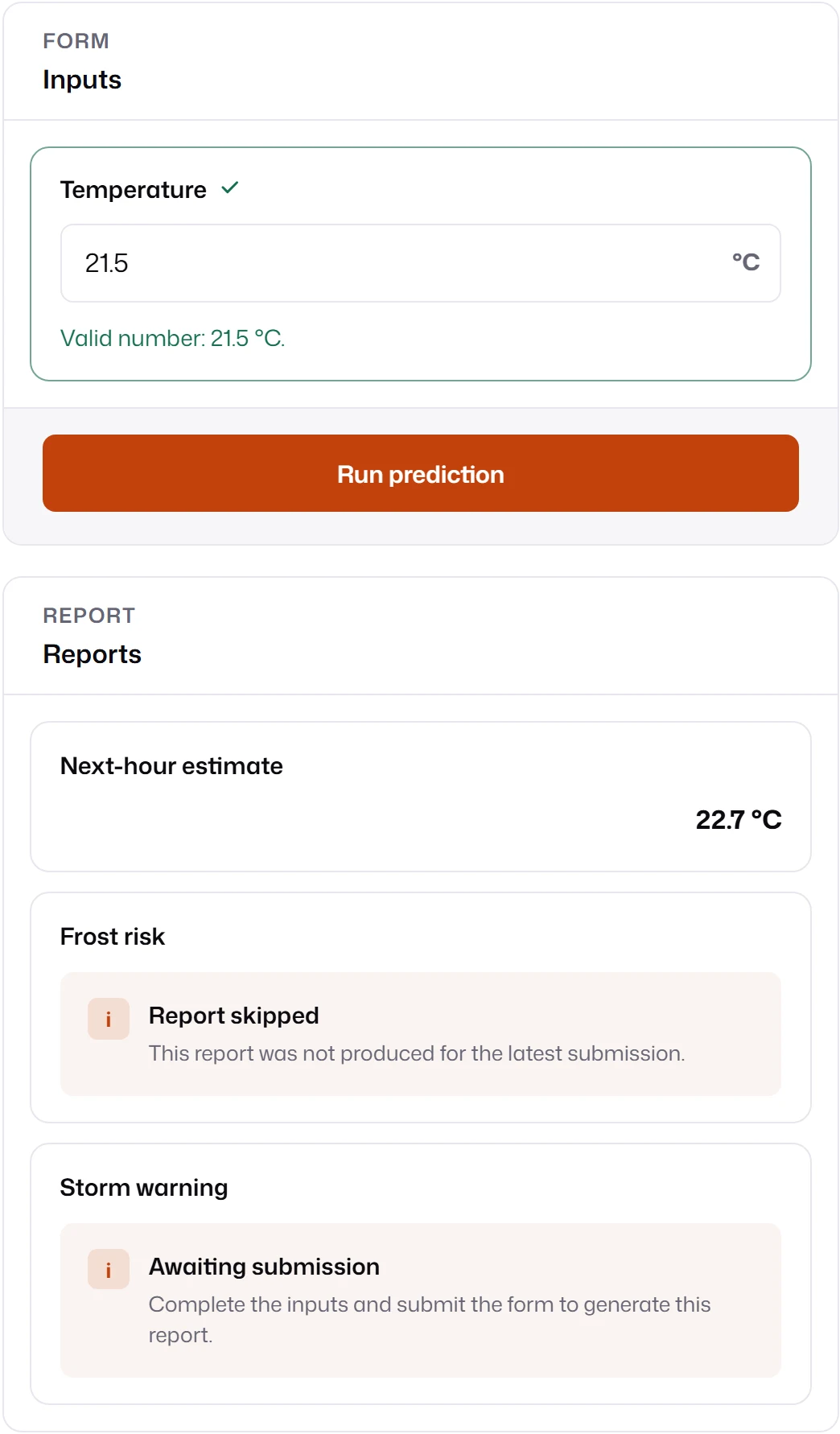
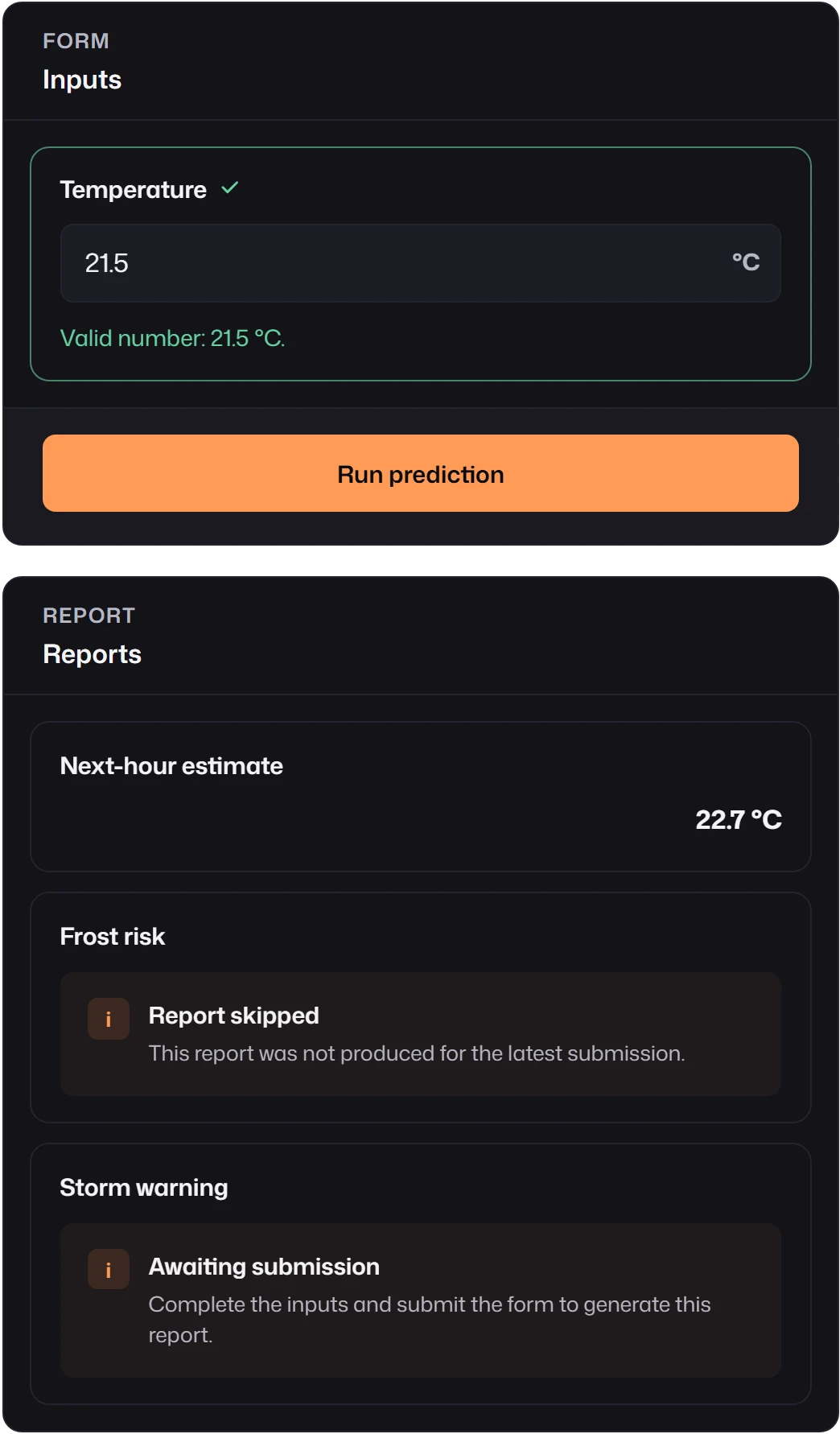
When the transport throws, the submission fails and every report shows the error; see Errors. An error in one report’s resolver or payload schema stays in that report.
Details panel
Section titled “Details panel”Pass reportTransport to mountForm to give every built-in report a Details section. After a
successful submission, each report calls reportTransport.submit(request) with the submission
result and its own reportId, and shows the returned value as formatted JSON.
mountForm(container, { schema, transport, reportTransport: { async submit(request) { const response = await fetch(`/api/explain/${request.reportId}`, { method: "POST", headers: { "content-type": "application/json" }, body: JSON.stringify({ inputs: request.modelValues, meta: request.meta }), signal: request.signal, }); if (!response.ok) throw new Error(`Explanation failed: ${response.status}`); return response.json(); }, },});The panel shows a loading placeholder, the result, or the error. It is a display aid for the
built-in reports; for data that drives a report’s main content, define a report kind with fetch
as described in Report fetches.
Placement and text
Section titled “Placement and text”- With no layout, reports render after the fields;
layout: { kind: "split" }puts them beside the fields. In an explicit layout, place each report where it belongs or leave it out. See Layouts. reportPane: "hidden"hides reports in every layout.- A report’s
descriptionsits behind its help button;ui: { showDescriptionInline: true }shows it expanded. - The placeholder titles and messages come from primitive text and can be replaced with
primitiveText(reportsEmptyTitle,reportsEmptyBody,reportStateTitle,reportStateMessage). See Labels and text.
To show something other than a class or a number, write a custom report: descriptor content for summaries and tables, or your own DOM for charts.