
One-hot category
onehot-category renders a select and submits one column per option: 1 for the selected option,
0 for every other. The model gets its one-hot encoding; people get one readable choice. No hidden
fields are involved.
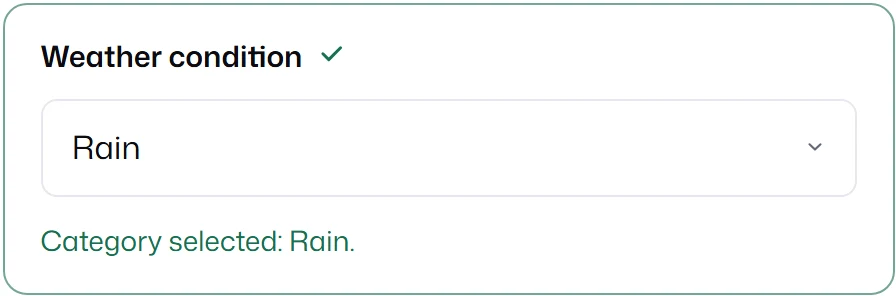
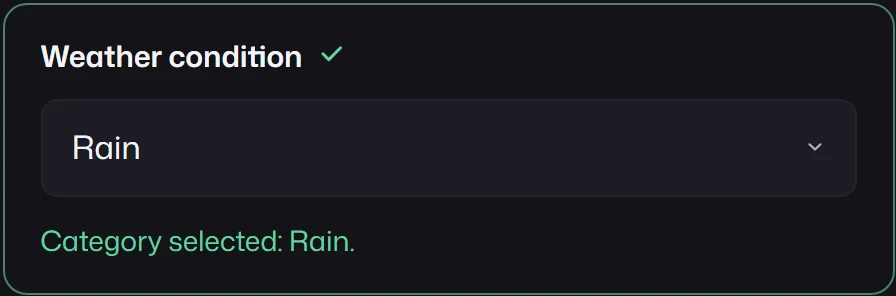
{ id: "weather", kind: "onehot-category", label: "Weather condition", defaultValue: "rain", required: true, options: [ { label: "Clear", value: "clear", mappedTo: "weather_clear" }, { label: "Cloudy", value: "cloudy", mappedTo: "weather_cloudy" }, { label: "Rain", value: "rain", mappedTo: "weather_rain" }, ],}request.modelValues for that selection:
{ "weather_clear": 0, "weather_cloudy": 0, "weather_rain": 1 }The field’s own value stays "rain"; that is what inputs[].value holds, and what displayValues shows when the field has a displayKey.
With no selection, every column is 0; add required: true when the model needs exactly one 1.
Options
Section titled “Options”| Property | Type | Meaning |
|---|---|---|
label |
string |
Text in the select. |
value |
string |
The field’s value when the option is selected. |
mappedTo |
target or per-backend map | The column that receives 1 or 0 for this option. |
The field-level mappedTo is not used; each option names its own column. Per-backend maps work as
for any field, so a column can have a different name for each backend.
- Every option needs a target for the backend being submitted. A missing target fails the submission.
- Two options that resolve to the same column fail.
- Values are numbers
0and1, never booleans or strings.
Restore a selection from model columns
Section titled “Restore a selection from model columns”When you load saved model inputs, resolveOneHotDisplayValue from mlform/builtins turns the
columns back into the option value:
import { resolveOneHotDisplayValue } from "mlform/builtins";
const weather = resolveOneHotDisplayValue(weatherField, savedModelValues); // "rain"mounted.form.setValues({ weather });
It accepts 1, "1", or true as selected, returns undefined when no column is selected, and
throws when more than one is. Pass { backend } as the third argument to read per-backend targets.
When to use mapped category instead
Section titled “When to use mapped category instead”Use mapped-category when an option sets arbitrary values, several
non-binary features, or values that people should see in other fields.