
Plugins
When the twelve built-in fields and two reports are not enough, add your own kinds. A custom kind is
not a special case: it is registered in the same registry, normalized by the same schema code,
validated and submitted by the same runtime, and placed by the same layouts as number or
classifier. A plugin is how you hand those kinds to a form.
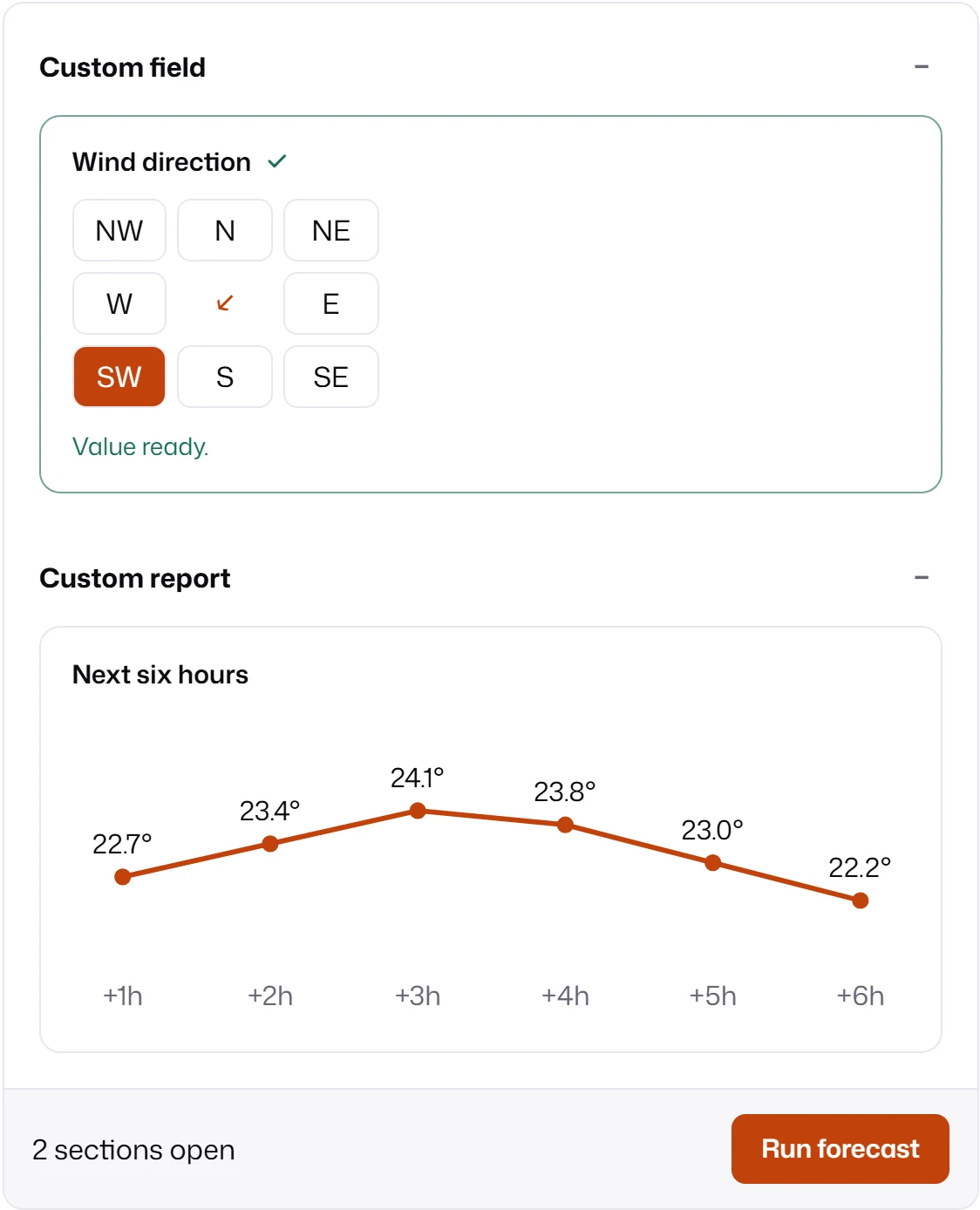
import { createBuiltinPrimitiveRegistry } from "mlform/primitives";import { defineMLFormPlugin } from "mlform/view";import { forecastChart } from "./forecast-chart.ts";import { windDirection } from "./wind-direction.ts";
export const weatherPlugin = defineMLFormPlugin({  fields: [windDirection],  reports: [forecastChart],});
// The plugin registers the kinds; this maps the custom field's element for mountForm.export const primitiveRegistry = createBuiltinPrimitiveRegistry().registerField(  "wind-direction-field",  "wind-direction-field",);
Custom fields and Custom reports walk through
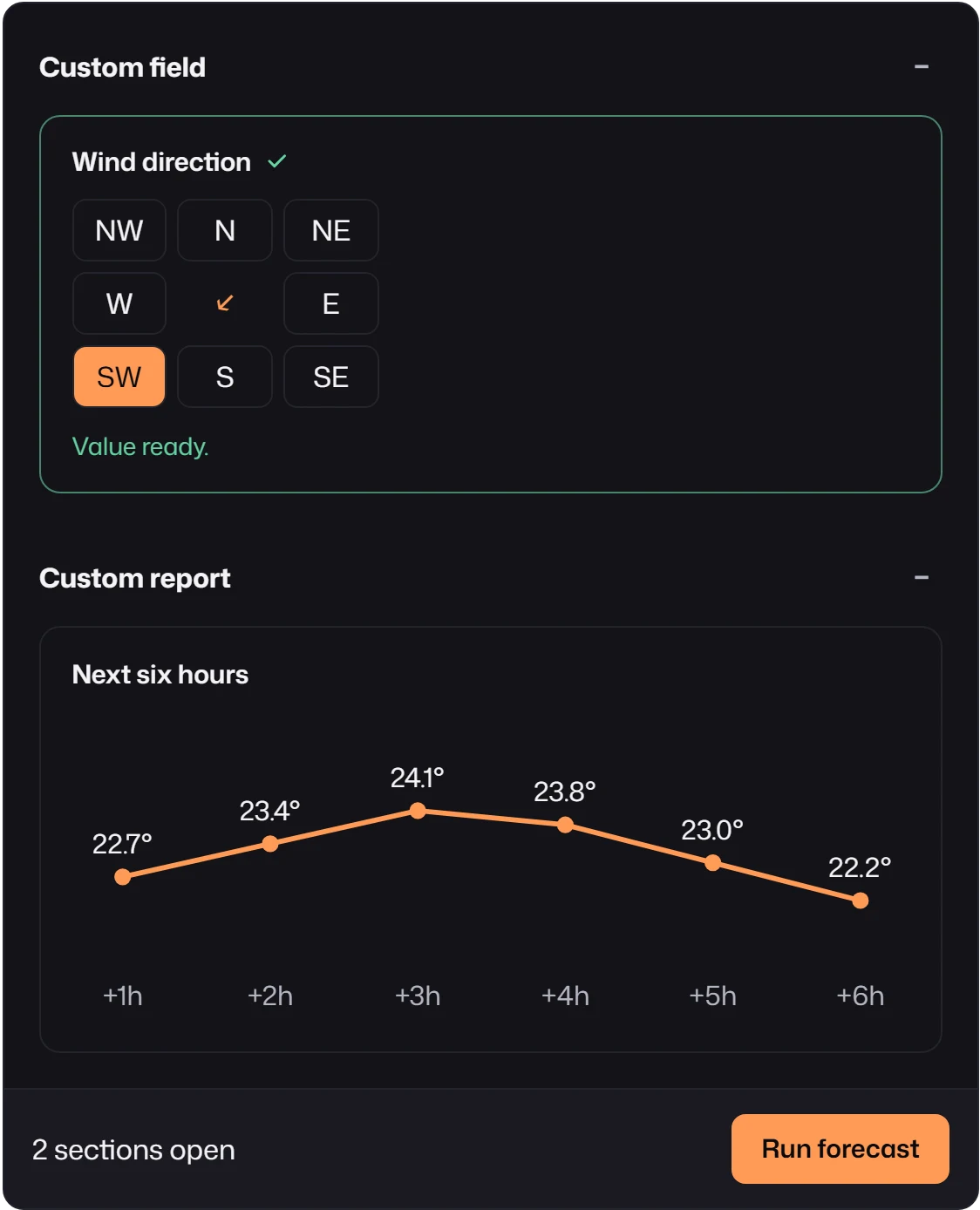
wind-direction.ts and forecast-chart.ts, the two files this plugin imports. The screenshot was
generated by running these exact files.
Register a plugin
Section titled “Register a plugin”import { mountForm } from "mlform";import { primitiveRegistry, weatherPlugin } from "./weather-plugin";
mountForm(container, { schema: { fields: [{ id: "wind", kind: "wind-direction", label: "Wind direction", defaultValue: "SW", mappedTo: "wind_direction" }], reports: [{ id: "trend", kind: "forecast-chart", label: "Next six hours", unit: "°C", mappedTo: "trend" }], }, transport, plugins: [weatherPlugin], primitiveRegistry, // only for kinds rendered by your own custom element});plugins is accepted by mountForm and createFormView. Each form gets its own copy of the
registries, so a plugin used by one form never leaks into another. Registering a kind twice, or a
kind with the name of a built-in, throws RegistryError.
Choose how a kind renders
Section titled “Choose how a kind renders”| You need | Use | Rendering |
|---|---|---|
| A field that behaves like text, number, boolean, select, date, or series | defineFieldKind |
A built-in widget with your hints. |
| A field with its own interaction, like the compass | defineFieldDefinition + presenter |
Your Web Component, mapped in primitiveRegistry. |
| A report made of text, metrics, lists, tables, badges, notices, or JSON | defineReportKind with render.content |
Built-in descriptor nodes. |
| A report with a chart or any custom DOM | defineReportKind with render.mount |
Your code inside the report frame. |
Start declarative and move to a custom element only when the built-in widgets cannot express the interaction. Either way the schema, validation, and submission code stay the same.
Behaviors
Section titled “Behaviors”A plugin can also carry behaviors: runtime hooks that see every field instead of one kind.
import type { RuntimeBehavior } from "mlform/runtime";import { defineMLFormPlugin } from "mlform/view";
// Sends the dew point to the model, computed from two fields the user edits.const dewPoint: RuntimeBehavior = {  validate(context) {    if (!context.getField("temperature") || !context.getField("humidity")) {      throw new Error("dewPoint needs temperature and humidity fields.");    }  },  beforeSubmitRecords(records, context) {    const { temperature, humidity } = context.getValues();    if (typeof temperature === "number" && typeof humidity === "number") {      const gamma = Math.log(humidity / 100) + (17.62 * temperature) / (243.12 + temperature);      records.modelValues.dew_point = (243.12 * gamma) / (17.62 - gamma);    }  },};
export const stationPlugin = defineMLFormPlugin({ behaviors: [dewPoint] });| Hook | Runs | Use it to |
|---|---|---|
validate(context) |
Once, when the form is created. | Fail early when the schema lacks what the behavior needs. |
onValuesChanged({ fieldId, values }, context) |
After each value change; may be async. | Derive values with context.commitDerivedValue(id, value). |
beforeSubmitRecords(records, context) |
During submission, before beforeSubmit and the transport. |
Adjust inputs, displayValues, or modelValues of the request. |
The context gives read access to fields, values, submit count, and form state, plus
commitDerivedValue and syncDerivedState for derived values. Validation and submission wait for
pending asynchronous onValuesChanged work. A newer change aborts the previous one through
context.signal.
Changes made in beforeSubmitRecords reach the transport but not
createSubmissionSnapshot, which does not run behaviors. Prefer a field kind or
series aggregations when a derived value should be visible and
previewable.
Behaviors can also be passed directly as behaviors to mountForm, createFormView, or
createForm.